
Your file stays put
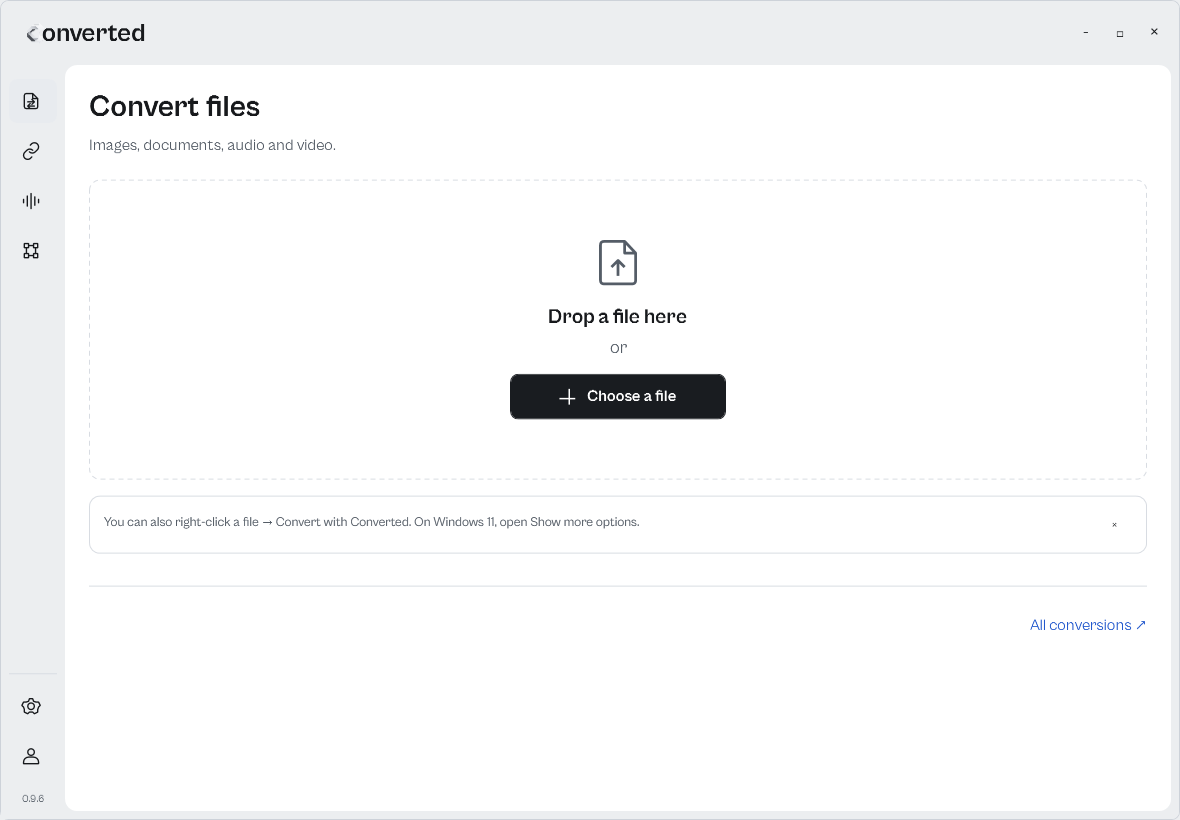
Images, documents, audio and video. Choose a format and save the result beside the original.
Three tools in one place.
Images, documents, audio and video. Choose a format and save the result beside the original.
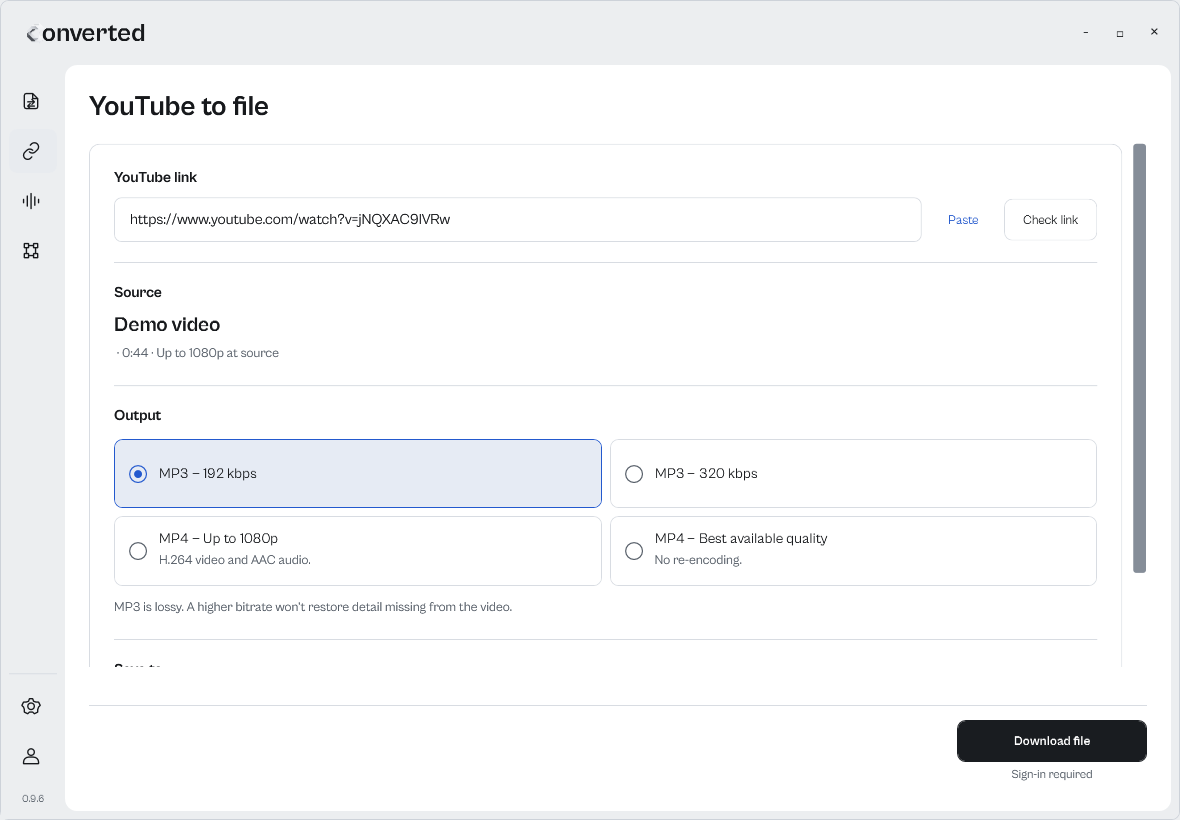
Paste a YouTube link and save MP4 video or MP3 audio. Choose the quality before downloading.
Quality depends on the source. MP3 is a lossy format.
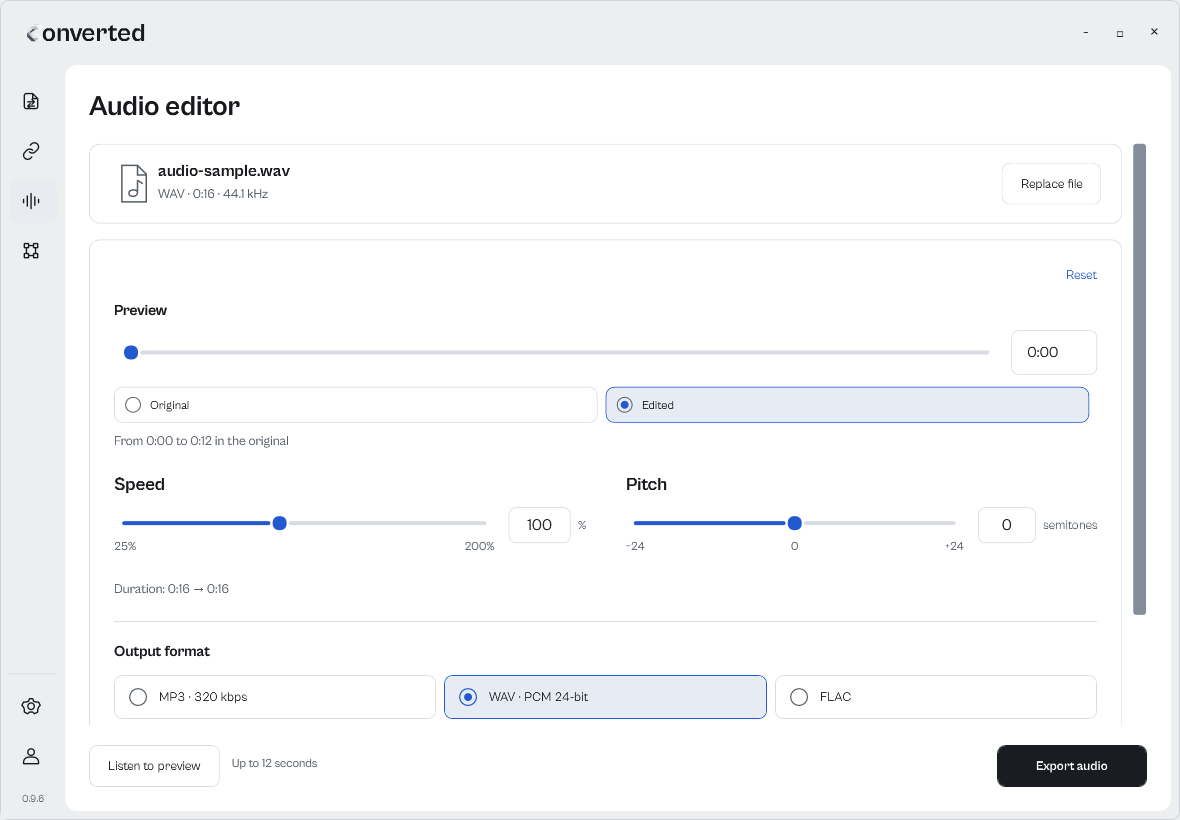
Adjust speed in percent and pitch in semitones. Compare the preview with the original, then export.
MP3, WAV, FLAC, M4A, OGG and Opus.
Choose “Convert with Converted”. On Windows 11, open “Show more options”.
The picker shows compatible outputs and any components you need to install.
Your new file is in the same folder. The original stays untouched.
Your original stays untouched.
Same folder as the original.
Open Converted to convert files, download videos and edit audio.
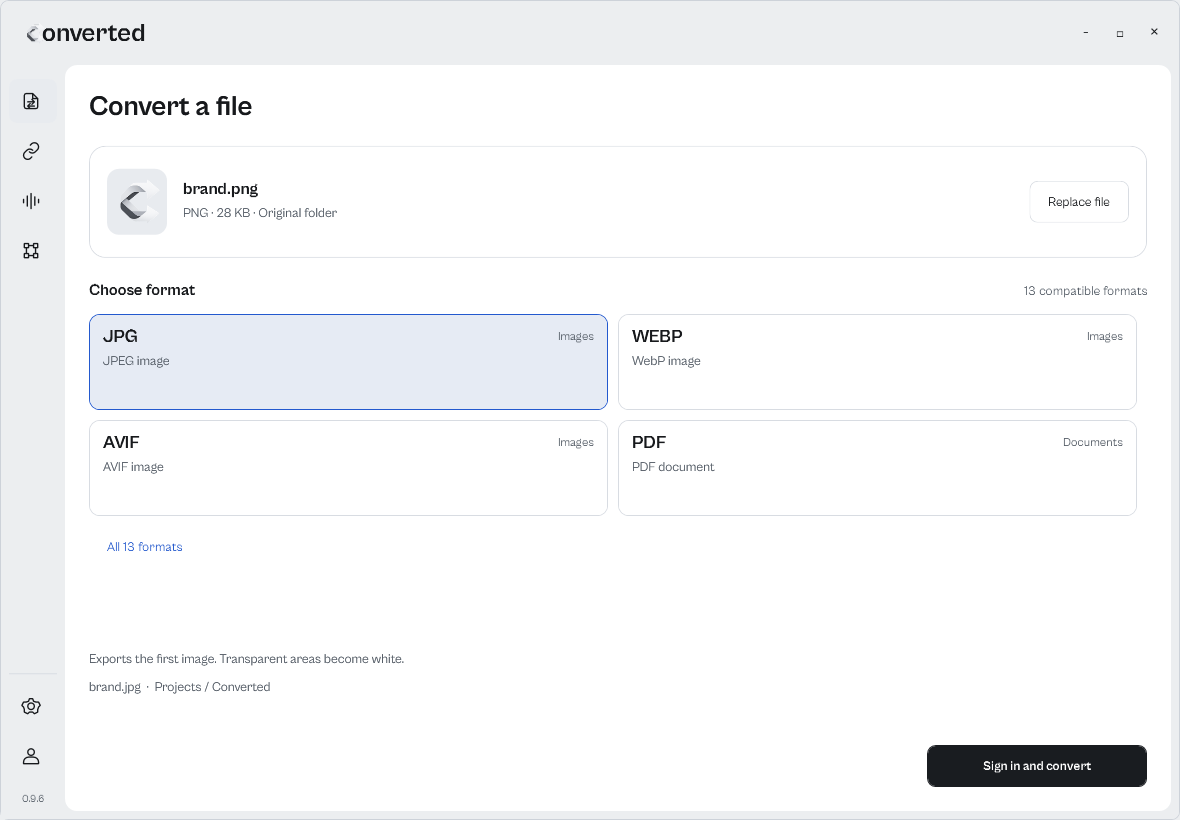
Search an input format and check its compatible outputs.
Check transparency and compression before changing formats.
Read the guide →Understand what happens to animation and transparency.
Read the guide →Extract the first audio track while keeping your video.
Read the guide →Check selectable text, scans and layout limits first.
Read the guide →After installation, use “Convert with Converted” from the right-click menu. It opens the format picker, without the main window. On Windows 11, the command is under “Show more options”.
Conversion happens on your PC. Internet is required to sign in and record your history.
Files you convert stay on your PC. If you choose a profile photo, it is saved privately to your account.
In the original folder, with the same name and the new extension. The original is not overwritten. If the name is already taken, a number is added. You need permission to write to that folder.
The current catalogue has 90 input extensions and 1,060 conversion pairs. Aliases such as JPG and JPEG are counted separately. The picker shows outputs for the selected file; the catalogue is not unrestricted any-to-any conversion.
Components for images, PDFs, text and data are included. Office documents require LibreOffice; audio, video and subtitles require FFmpeg. You can check and configure them in Settings.
DOCX output extracts selectable text. It does not rebuild the layout, images or tables, and does not include OCR. A PDF made only of scans cannot be converted to text.
Yes. Conversions are free and unlimited, with no subscription.
The current download is for Windows x64, with the .NET runtime included. The interface and context menu have been checked on Windows 11 x64. Native ARM64 and 32-bit packages are not available.
The app tells you when a new version is available. You choose whether to download it or leave it for later, with progress and cancellation inside the app. Installation starts only after “Restart and install” and waits for conversions to finish.